My Experience With SITE123
Getting Started With SITE123
Signing up with SITE123 was a bit different than I expected – in a good way! After quickly connecting through my Google account, SITE123 asked me about my website’s type, niche, and name. I could also add a description of what I wanted to create, though this was optional.
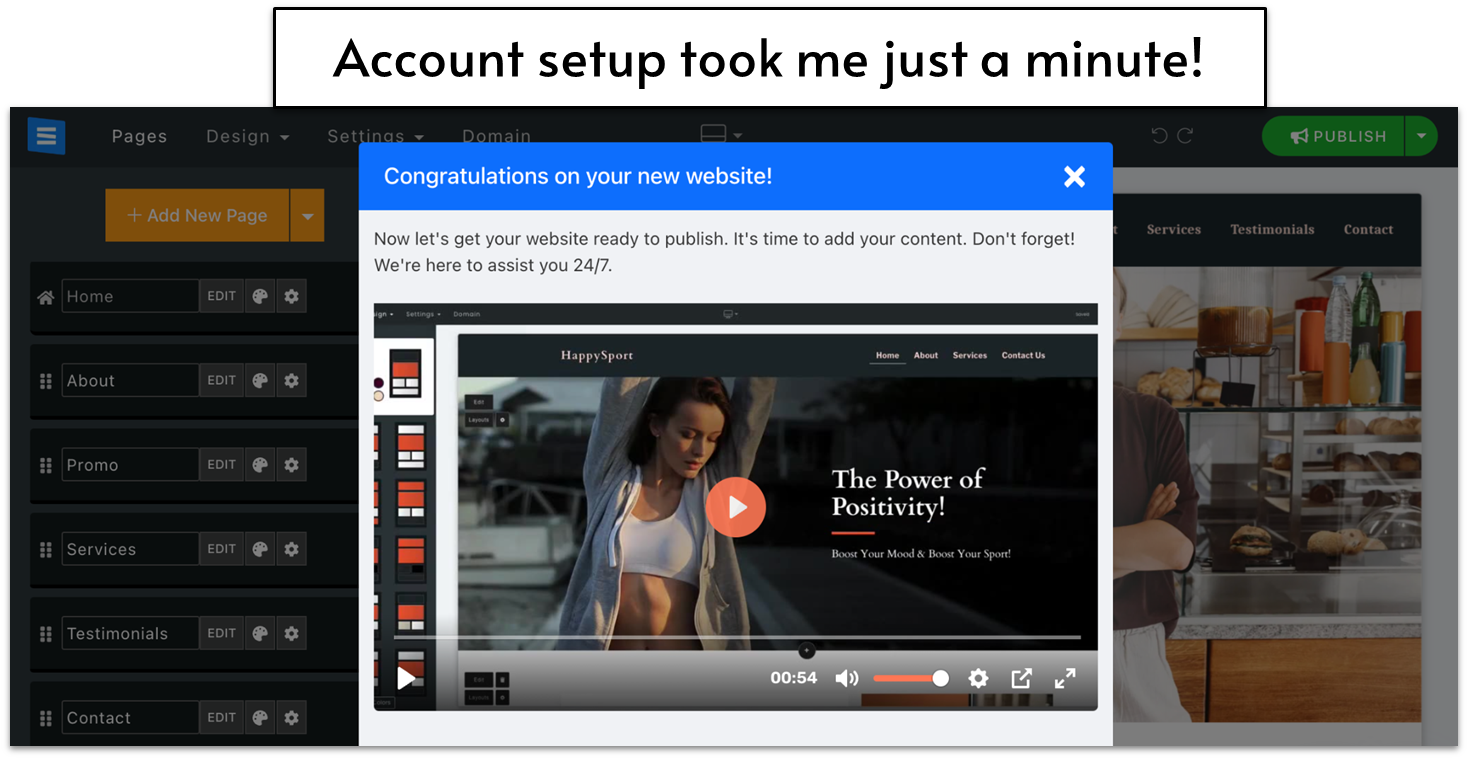
Here’s where things got interesting: unlike other website builders, I didn’t spend time browsing through templates. Instead, SITE123 welcomed me with a congratulations message and jumped straight into a helpful tutorial video about customization. To my surprise, they had already built a basic website for me based on my input. The site came pre-loaded with an about section, testimonials area, and contact form – all looking pretty polished!
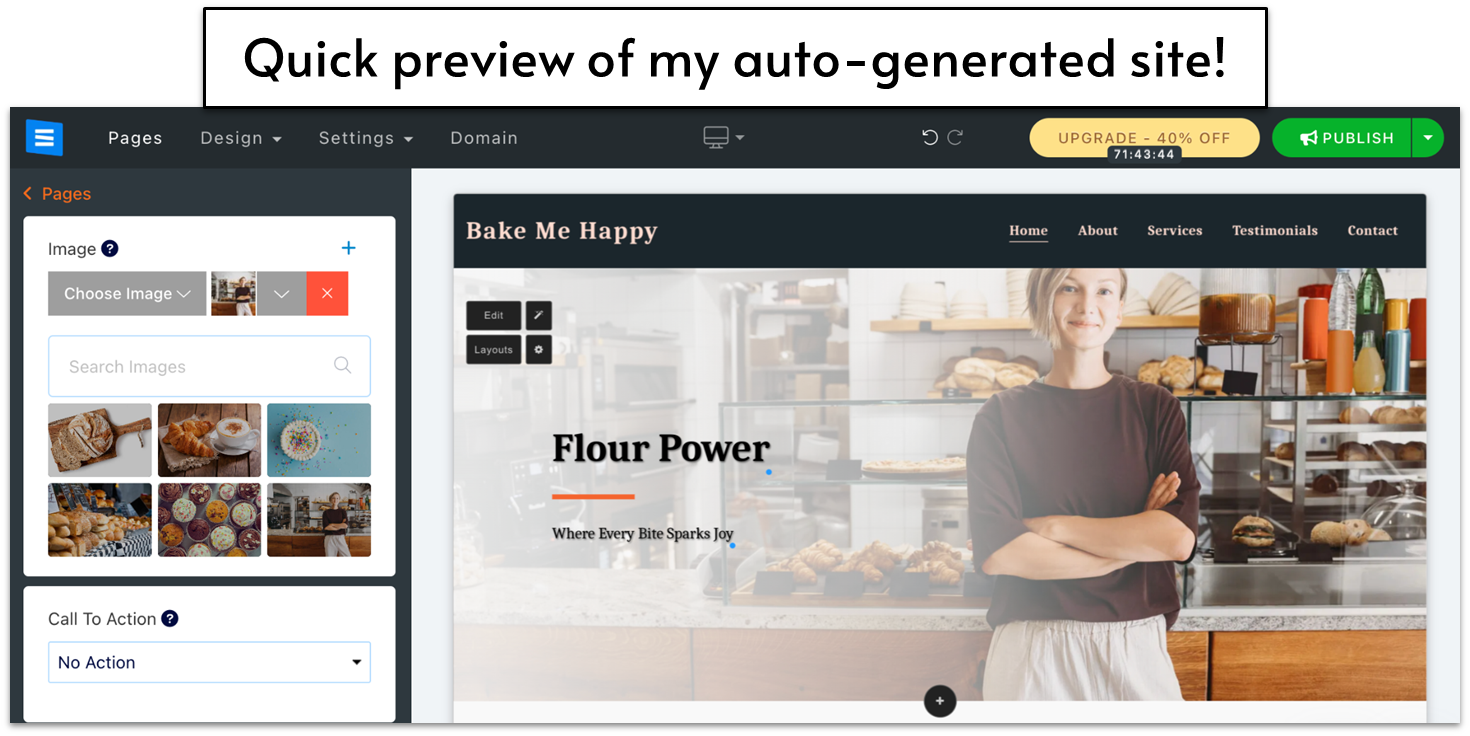
While it was a shock not to pick my own template first, I actually appreciated this approach. They gave me a solid foundation to work with, and I could always change the template later if I wanted to. It definitely saved me from the analysis paralysis of scrolling through endless template options.
Customizing My SITE123 Website
The editing interface in SITE123 is straightforward and well-organized. At the top of the screen, you’ll find the main menu with Pages, Design, Settings, and Domain options. When you select any of these, their specific tools appear in a panel on the left side. I particularly liked the device preview feature – just click the desktop icon to switch between desktop, tablet, and mobile views of your site.
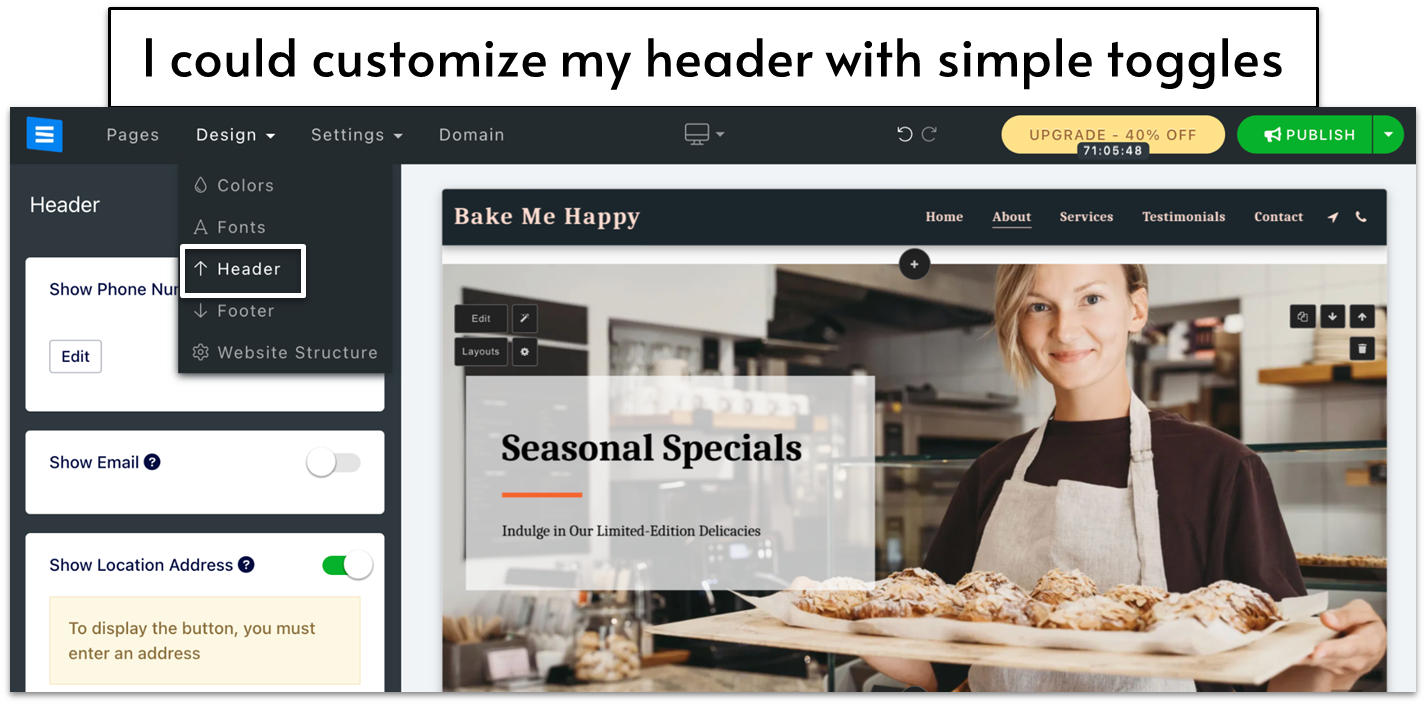
SITE123 offers two ways to edit your content. You can either use the menu system I mentioned above or simply hover over any element on your page and click ‘edit’ or ‘layout’. Adding new elements is just as simple – click the ‘+’ button wherever you want to add something new and pick from the available options.
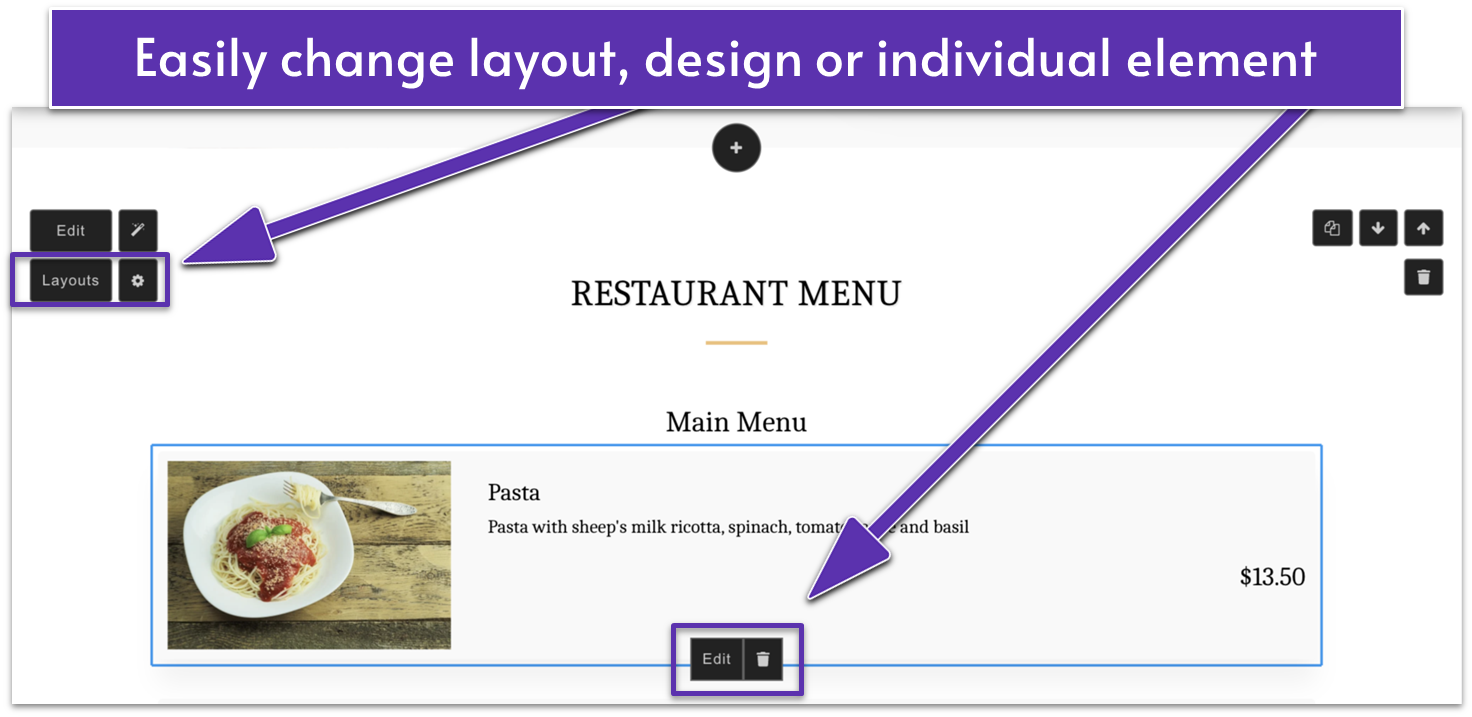
At first, I missed the freedom of positioning elements anywhere, but I quickly appreciated how this approach prevented me from making design mistakes. While SITE123 doesn’t offer AI tools for website building, I found I didn’t need them – the standard editor was clear enough for even a complete beginner to handle.
Overall I’d affirm that SITE123 fulfills its promise of facilitating easy site-building. Is it genuinely the absolute easiest website builder of all time? With the massive number of website builders out there, maybe not. However, its features do offer a great balance of ease and functionality. You definitely don’t need any experience to build a high-quality website with SITE123.
Additional Ease of Use Features
Manage Everything Through a User-Friendly Dashboard
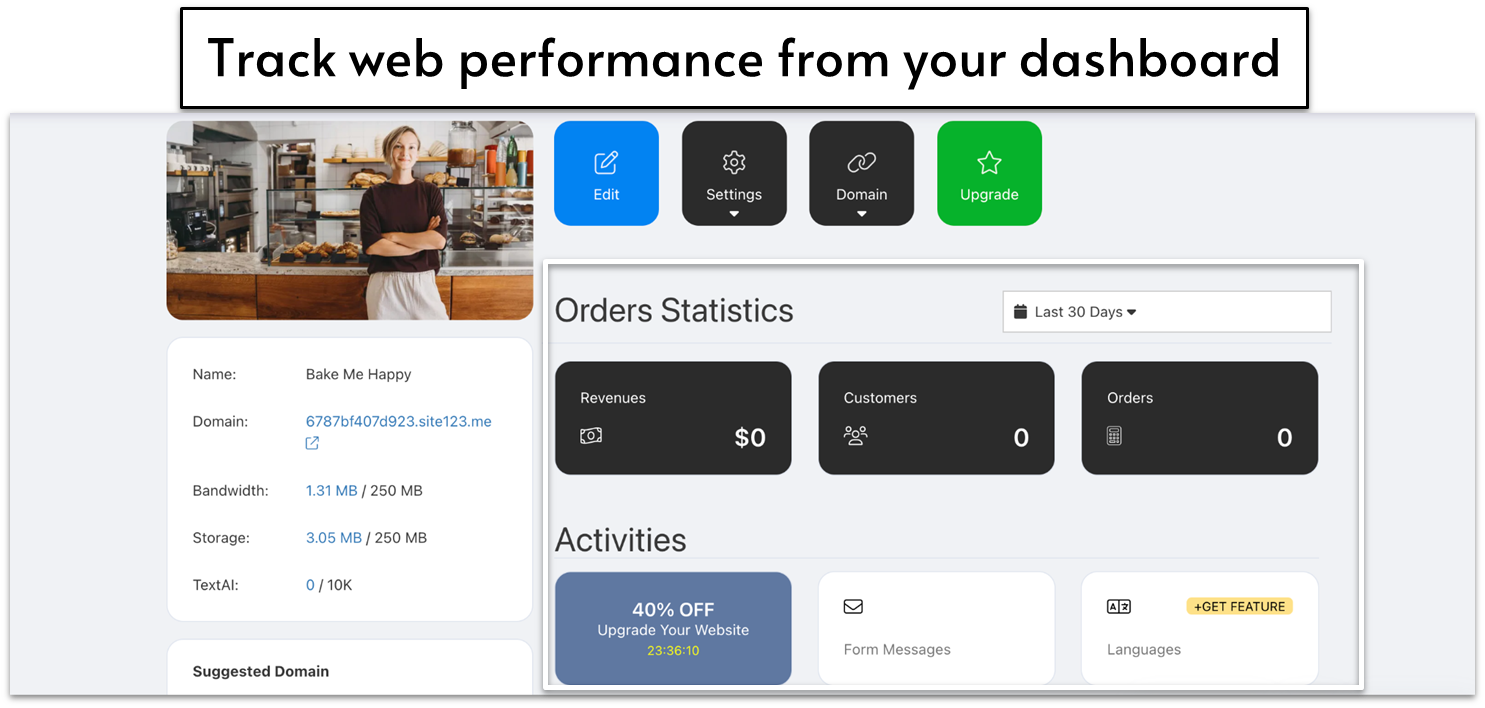
Once you’ve created your website, you’ll manage its features through your account dashboard. Under the Activities panel, you’ll get a quick view of how your website is performing, including form submissions, sales, and mailing list signups. Any plugins or apps you install can be viewed and managed here, too.
You can reset your website to its last published version, which is helpful if you make edits that you decide not to keep. To do this, click the arrow next to the publish button in the website editor, select ‘reset changes,’ and confirm when prompted. Just remember that resetting your site will permanently delete all of your recent changes – so be very careful about clicking Reset!